With many years of practical animation experience alongside programming ability, I focus on developing automation scripts and optimizing workflows helping animators save time and create more efficiently.
As the author of Motion Presets Pro, Magic VFX Pro for Moho along with many tools on MohoScripts, I always strive to bring the global animator community professional, intuitive, and easy-to-use solutions.
CZ MOTION STORE
Watch Live Demo
Discover the power of Magic VFX Pro & Motion Presets Pro through real hands-on videos
⚡ MAGIC VFX PRO
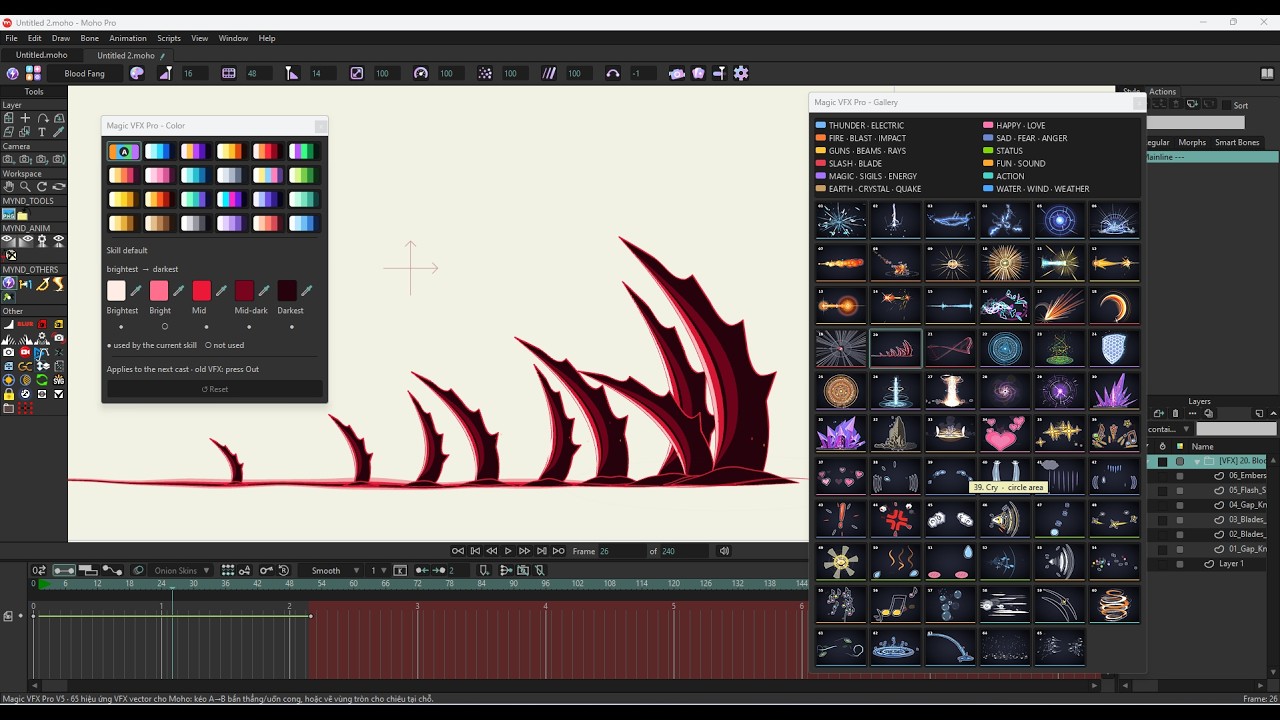
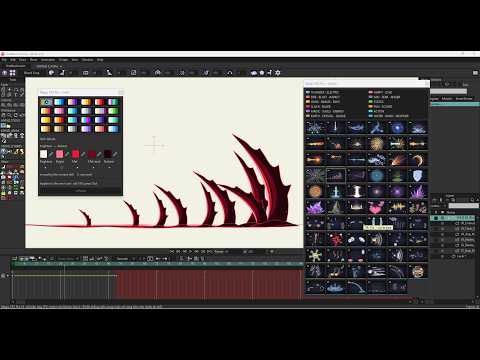
Magic VFX Pro For MOHO — Demo VFX Kéo Line A ➔ B
⚡ MAGIC VFX PRO
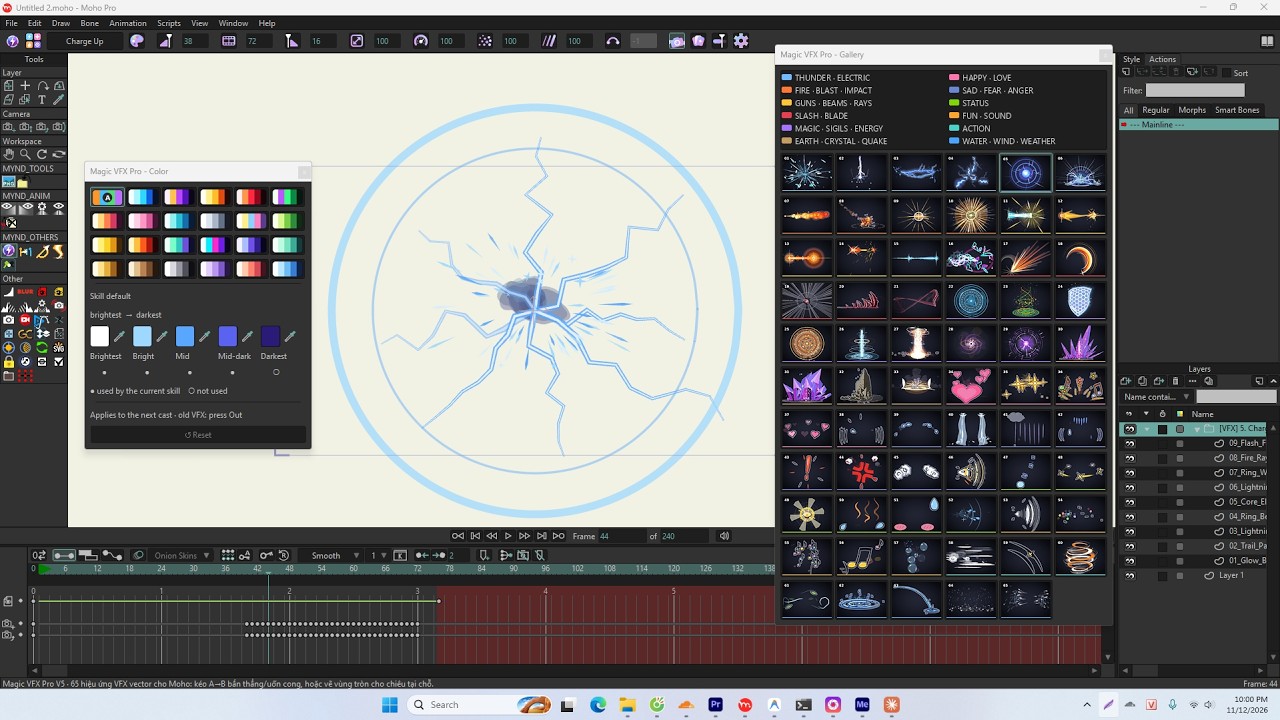
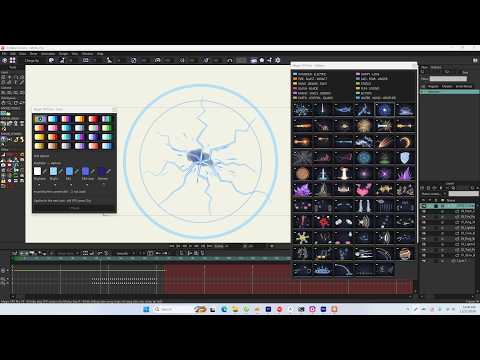
Real-World Moho with Magic_VFX_Pro — Zone Circle VFX
🎬 MOTION PRESETS
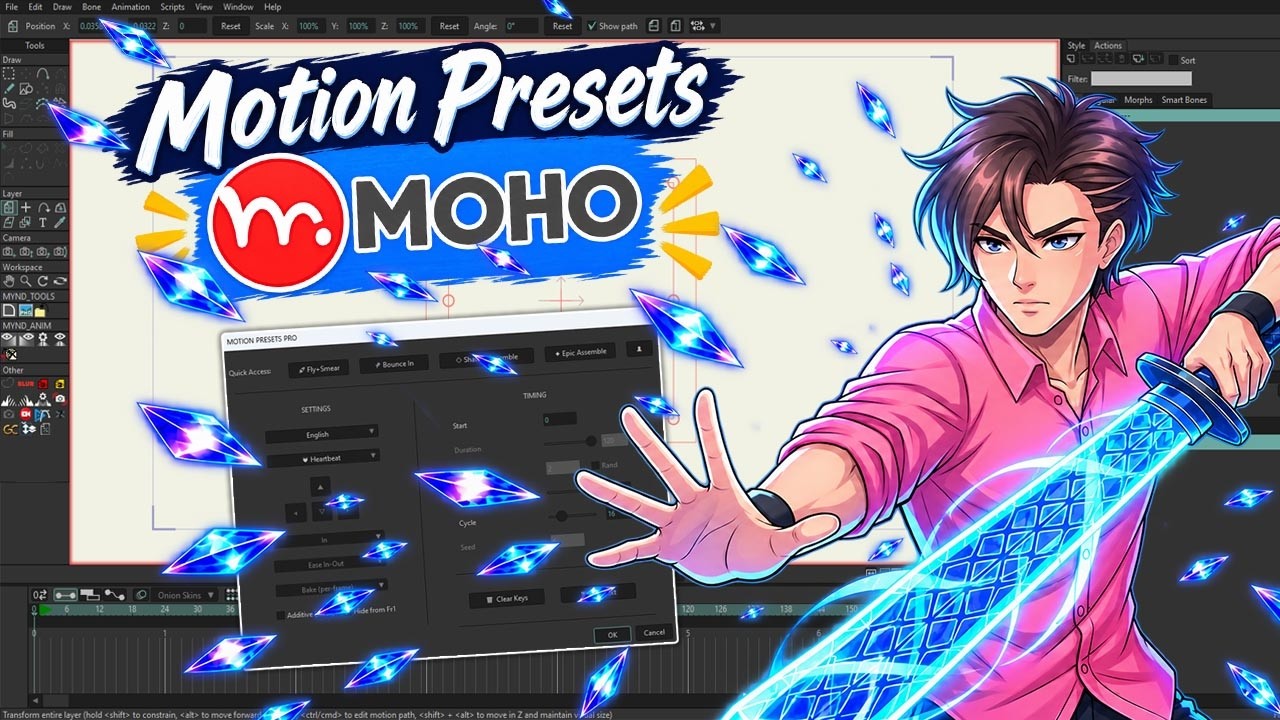
Motion Presets Pro for Moho — Create Amazing 2D Animation in 1-Click
🎬 MOTION PRESETS
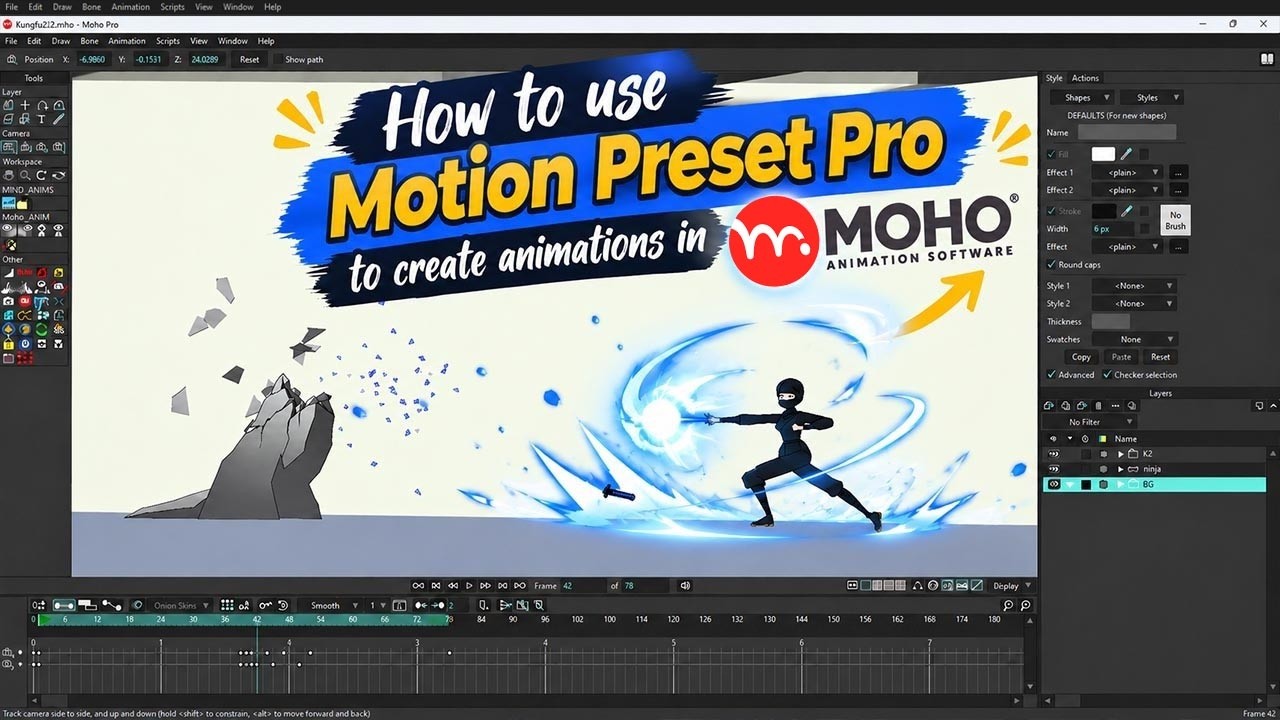
How to Use Motion Presets Pro in Moho (Quick Tutorial)
Motion Graph
BASIS
CUSTOMIZE
PREVIEW
Moho Pro
i
Motion Presets Pro v5.64
Author: Côngz
Email: [email protected]
Support: Telegram Group
Motion Presets Pro is the ultimate toolkit that helps create complex motions with physics (bounce, fall, shake, assemble...) with just 1 click.
Script developed by CôngZ from Vietnam.
Note: The tool is copyright protected. Any modification, copying, or unauthorized selling without the author Côngz's permission is illegal.
List of pre-designed Presets, applied with just 1 click Especially, each effect supports 2 inverted time trajectories: IN (Appear) and OUT (Disappear). This reversing feature doubles the library's power, bringing hundreds of smooth motion variations.
4 directional keys: Determine the impact direction and object movement direction (left, right, up, down)
💡 FX Effect Tip (Assemble/Shatter): Select an arrow for particles to fly in that direction. If you click the selected arrow again to deselect, the layer's fly direction will scatter randomly in a 360-degree circle
In / Out Mode: Determine if the object should animate "In" or "Out"
✓ ONStacks multiple effects on the same layer — existing keyframes are kept, and the new preset is baked on top (e.g. Fade + Bounce at once)
✗ OFFReplace Mode — keyframes within the effect time range are wiped cleanly before the new preset is applied.
Hide from Fr1: Automatically hide the object from Frame 1, keeping it invisible until the Start Frame
⏱️ TIMING (Time Control)
Start: The frame where the effect starts
Duration: Duration of a motion (unit: frames)
Stagger & Rand: Time delay between Layers. Very powerful when applied to create Domino or wave effects. Button Rand helps create randomized staggered delays
Cycle: Number of repetition cycles specifically for Loop effects (heartbeat, wiggle)
Clear Keys: "Magic button" to clean up all Preset keyframes if not satisfied
Split Text: Quickly split text into individual letters or words to create Typewriter or dropping (Domino) effects
50+
Built-in Presets
1 Click
Instant Application
90%
Save Time
Animator's Secret Weapon
All the tools you need to turn ideas into smooth motion
Physics Effects
Simulate precise gravity, wind force, and elasticity. Allows characters to fall like leaves, bounce, or flip perfectly without spending hours adjusting curves.
Special Effects (FX)
Matrix-style disappearance, particle shatter into dust, or assemble from nowhere. Complex VFX are now packed into a single click.
Text Stagger (Domino Effect)
Creating titles, subs, and text effects has never been easier. The Stagger system automatically creates delays between letters, delivering a beautiful cinematic cascading motion.
PHYSICS (17 Presets)
🎾 Bounce In
Fall and bounce with elastic force & wobble
💥 Superhero Land
Cool, powerful superhero landing with massive camera shake
☄️ Slingshot Snap
Slingshot effect, pull back for momentum then snap forward
🏹 Arrow Twang
Arrow piercing a wall with tail vibration
🌀 Flip Jump
Jump up and flip 360 degrees
⚡ Double Flip
Super fast double flip (720 deg) in the air
⚡ Flash Flip
Flip combined with lightning teleport effect
🚀 Fly+Smear
Fly across with stretched motion blur
💫 Arc Dash
Quick dash along an arc trajectory
💫 Arc Spin Dash
Curve forward with intense 720 degree spin
↩️ Boomerang Dash
Dash away and loop back to original position
🏀 Ball Drop
Freefall landing and bouncing with physics squash & stretch
🎾 Ball Drop+Roll
Physics drop to ground then roll left or right
🍂 Leaf Fall
Leaves falling, swaying and 3D tumbling in the wind
Slight slide combined with fade in (used for Text Slide)
☁ Fade+Scale
Smoothly scale and fade in
➡️ Slide
Simple horizontal or vertical slide
🌀 Roll In
Rolling into the frame
✨ Pop
Bounce up like a bubble (Pop up)
🌀 Rotate/Spin
Pinwheel spin, clock hand rotation
LOOP (Endless Loops - 4 Presets)
📄 Wiggle
Endless random wiggling and shaking in place
🔗 Swing/Pendulum
Pendulum swinging evenly to both sides
💓 Heartbeat
Continuous heartbeat pulsing
🏀 Ball Bounce Loop
Continuous parabolic bouncing ball loop with physics squash & stretch
TEXT FX (4 Presets)
⌨ Typewriter
Typewriter effect appearing letter by letter / word by word
🌫️ Cinematic Blur
Text fading in cinematically from mist
🚀 Overshoot Combo
Overshoot, slide, rotate and elastic bounce combo
💻 Matrix Decode
Matrix movie style random character decoding
Every effect in Motion Preset works seamlessly with both Text and Layers. There is no separation between Text effects and Layer effects—you can apply any effect to either object type for maximum flexibility.
Note: This tool is copyright protected. Any unauthorized modification, copying, or selling without the author Côngz's permission is illegal.
Watch Live Demo
Discover the power of Motion Presets Pro through real hands-on video
Motion Presets Pro for Moho — Create Amazing 2D Animation in 1-Click
How to Use Motion Presets Pro in Moho (Quick Tutorial)
Order Summary
Motion Presets Pro
Instant download link and license will be emailed here upon payment.
✓
Thanh toán thành công!
Cảm ơn bạn đã mua .
Order ID
Mã Bản Quyền Của Bạn
Trong Moho: Chọn tool Magic VFX Pro → Bấm Activate → Dán mã này.
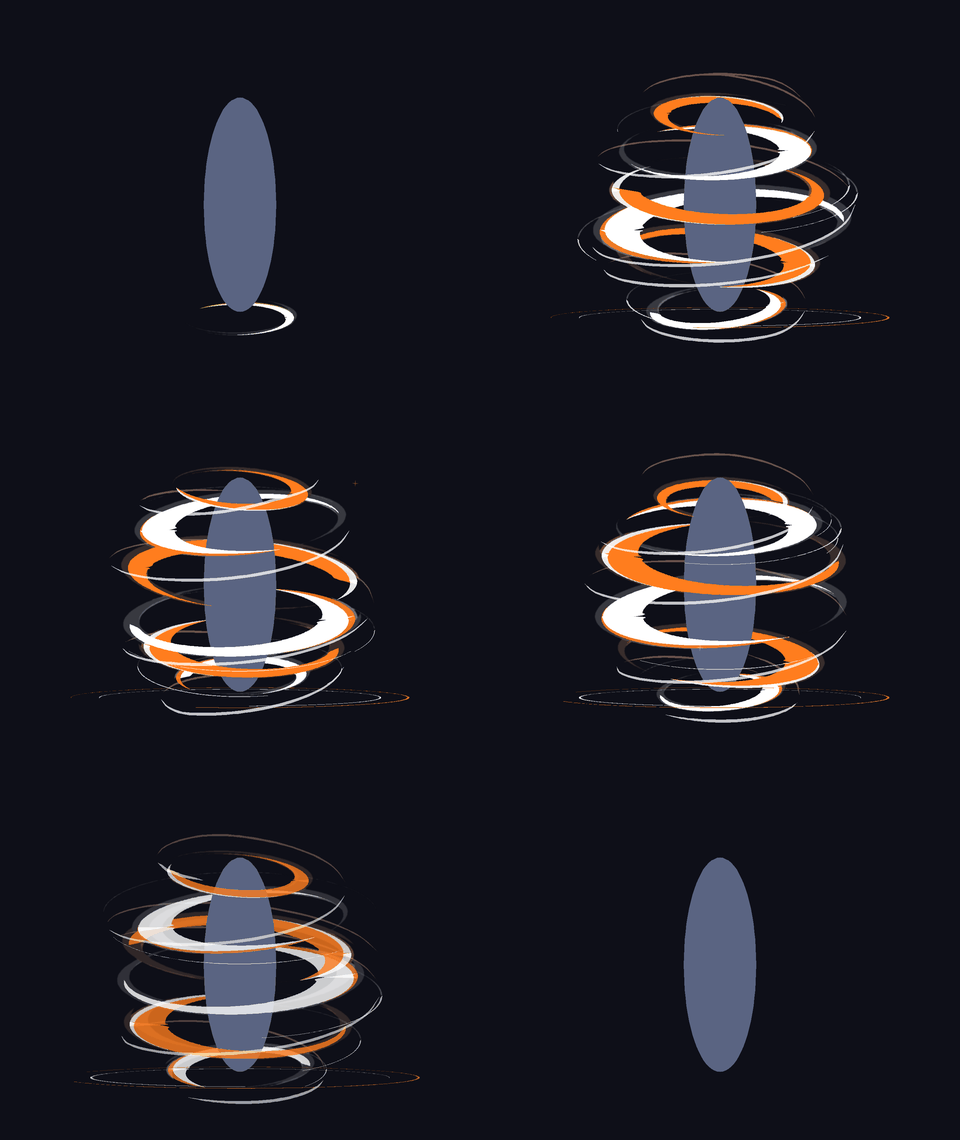
Danh sách 65 hiệu ứng kỹ xảo vector động được thiết kế sẵn, áp dụng chỉ với 1 cú click chuột.
Đặc biệt, hỗ trợ 2 kiểu thi triển độc quyền: Line (Kéo tia A ➔ B uốn cong) và Zone (Khoanh vùng bán kính). 100% Vector nguyên bản, không dùng bitmap, không làm nặng file Moho.
01–06SẤM SÉT · ĐIỆN
07–10LỬA · NỔ · VA CHẠM
11–16SÚNG · TIA · CHÙM SÁNG
17–21CHÉM · LƯỠI
22–29PHÉP THUẬT · TRẬN PHÁP
30–33ĐẤT · TINH THỂ · ĐỊA CHẤN
34–38VUI · YÊU
39–46BUỒN · SỢ · GIẬN
47–52TRẠNG THÁI
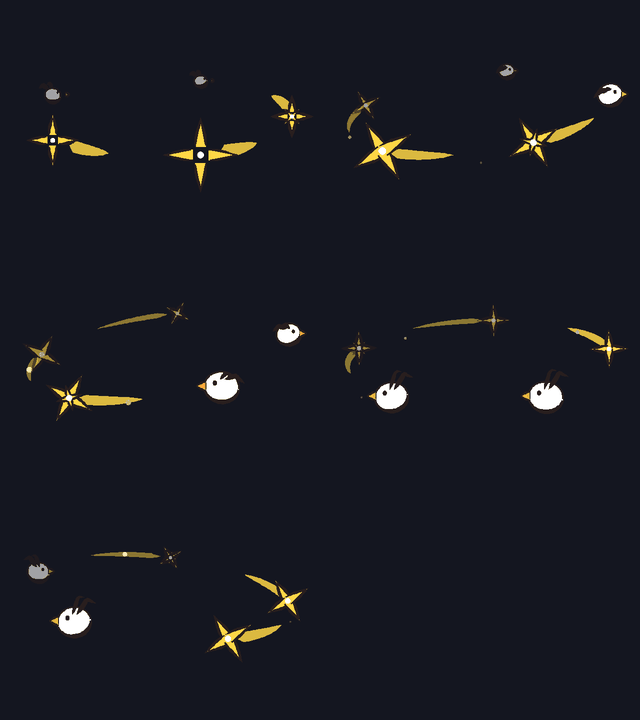
53–57VUI NHỘN · ÂM THANH
58–60HÀNH ĐỘNG
61–65NƯỚC · GIÓ · THỜI TIẾT
Xem
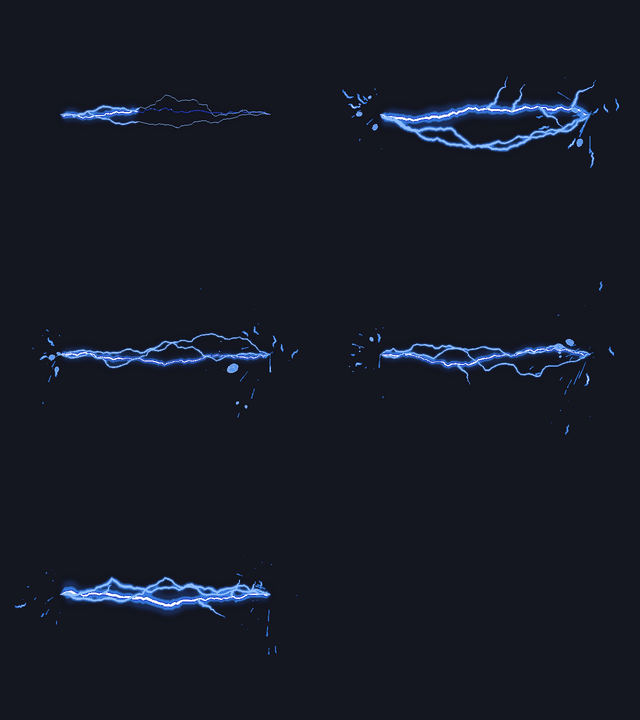
01Lôi KíchĐường
Xem
02Lôi Thần GiángĐường
Xem
03Cuồng Lôi Điện LưuĐường
Xem
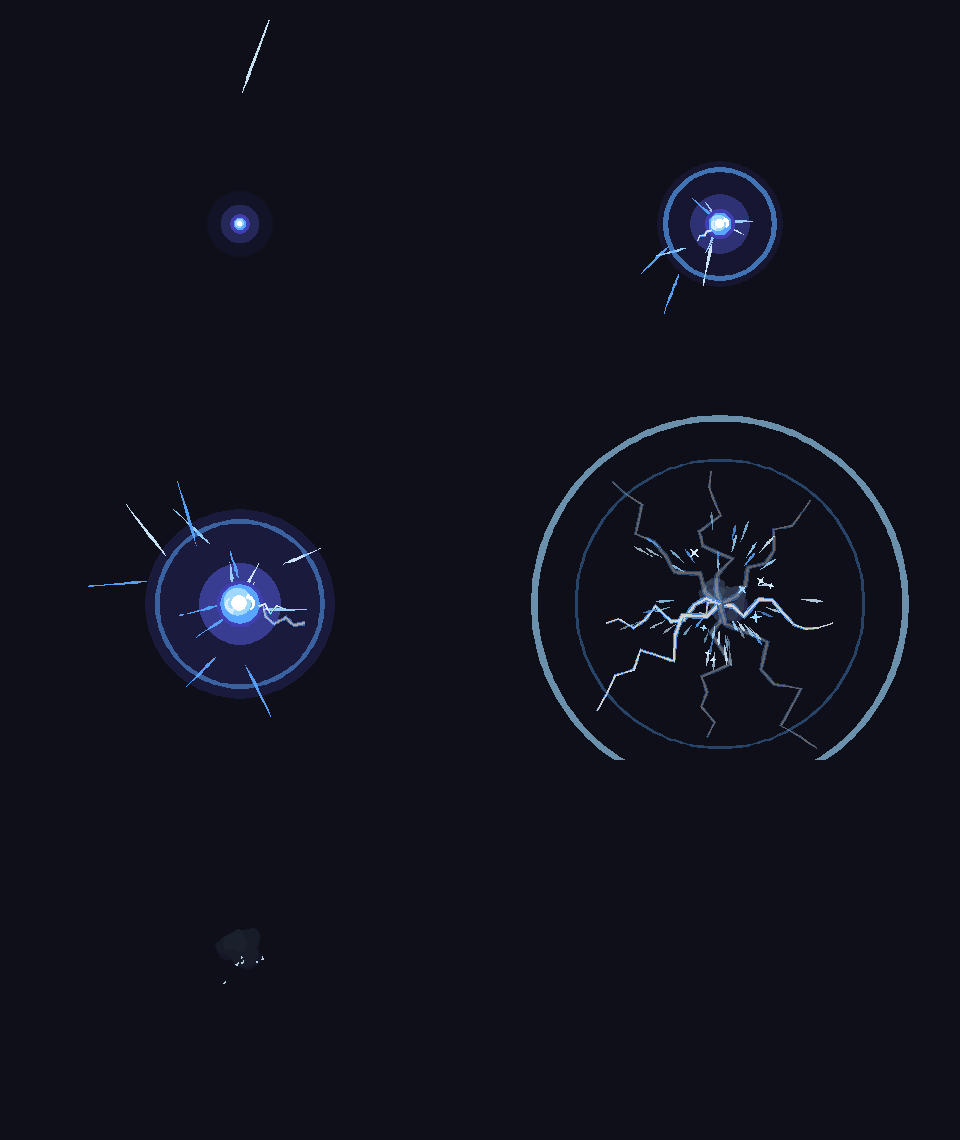
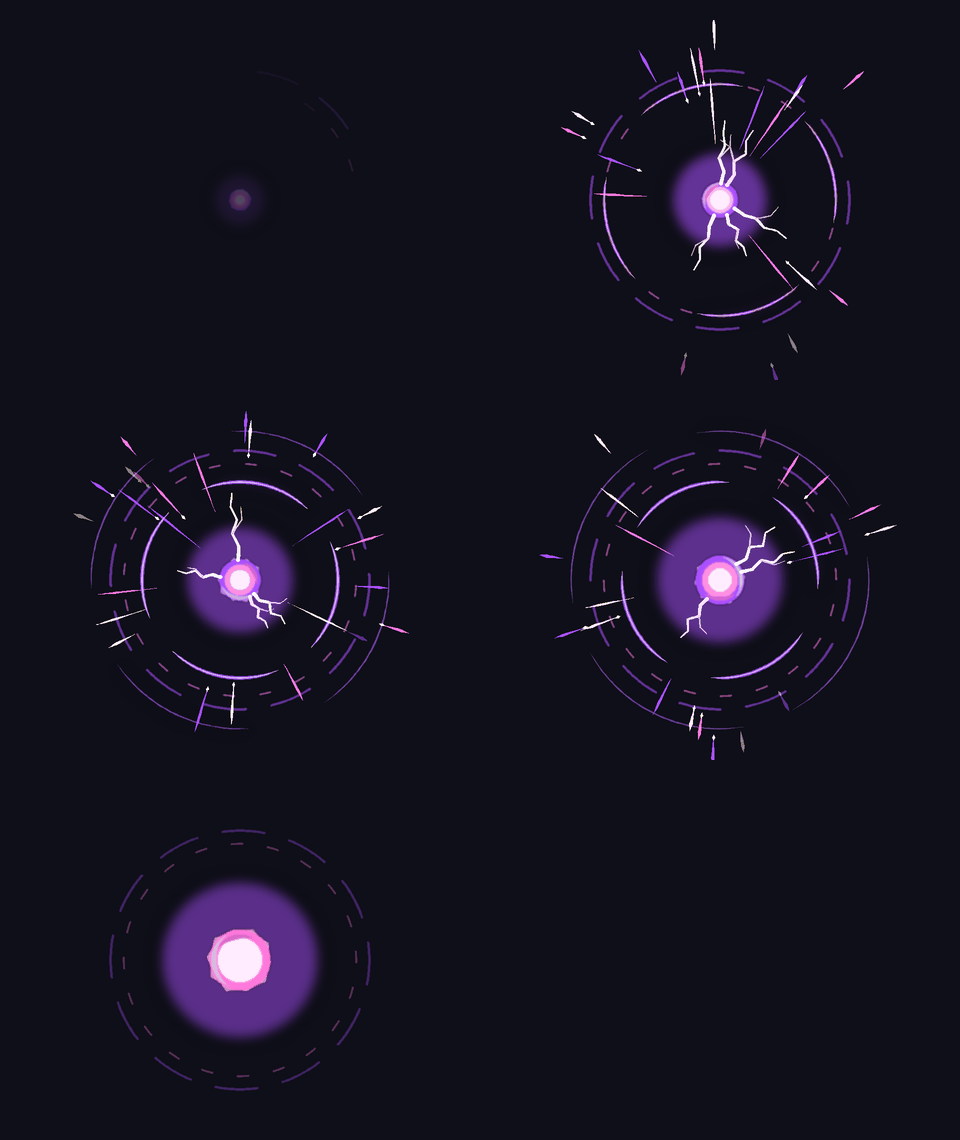
04Lôi Quang Hộ ThểVùng
Xem
05Tụ Điện Bùng NổVùng
Xem
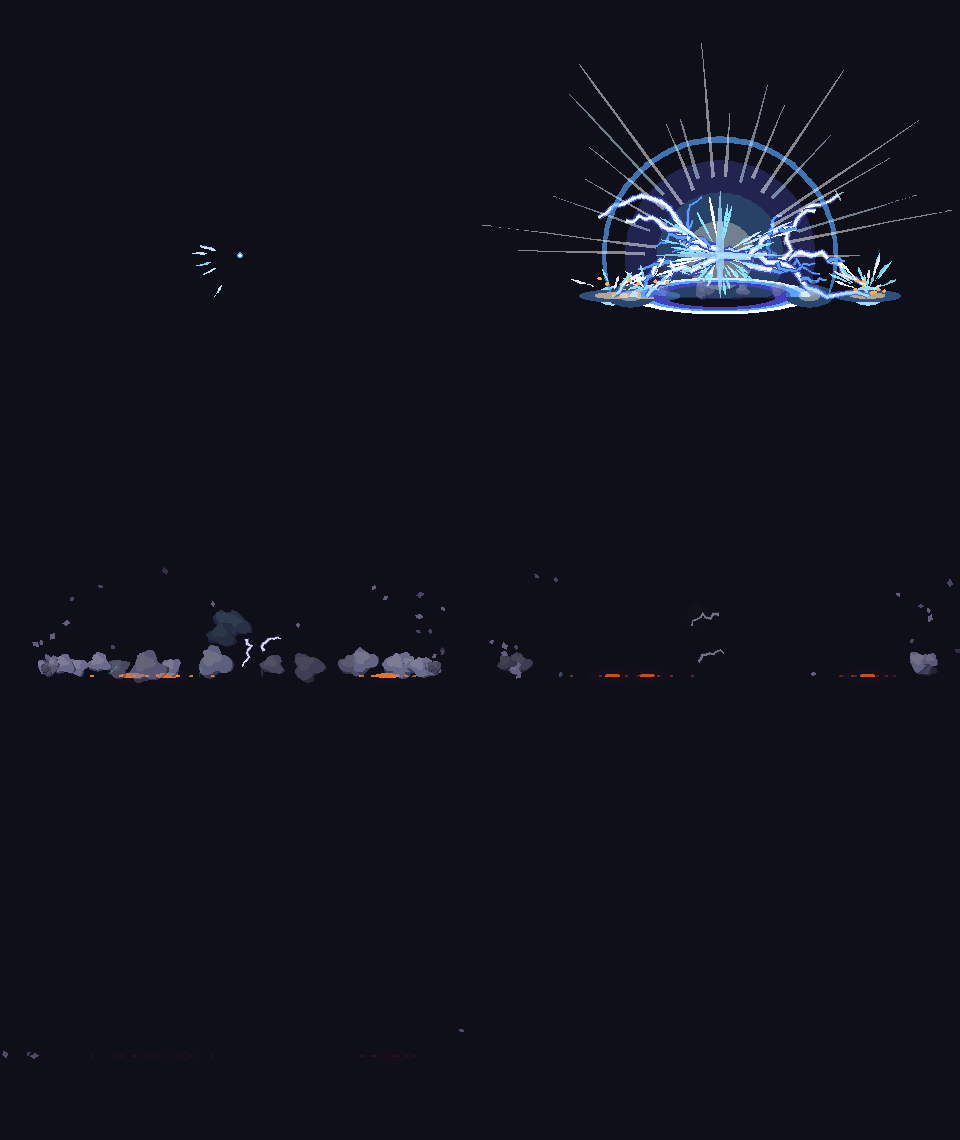
06Sấm Sét Địa ChấnVùng
Xem
07Phun Lửa CuộnĐường
Xem
08Thiên Thạch GiángĐường
Xem
09Đòn Chí MạngVùng
Xem
10Tóe Sáng Va ChạmVùng
Xem
11Pháo Hủy DiệtĐường
Xem
12Súng Liên ThanhĐường
Xem
13Chùm Tụ LựcĐường
Xem
14Bắn Súng - Lửa NòngĐường
Xem
15Tia Bắn TỉaĐường
Xem
16Mãng Xà Công NghệĐường
Xem
17Trảm Không Lưu TinhVùng
Xem
18Huyết Nguyệt TrảmVùng
Xem
19Liên Hoàn Bách TrảmVùng
Xem
20Huyết Nha Địa TrảmĐường
Xem
21Huyết Nha Hồi Toàn TrảmĐường
Xem
22Trận Pháp Hình HọcVùng
Xem
23Hồi Năng LượngVùng
Xem
24Khiên Năng LượngVùng
Xem
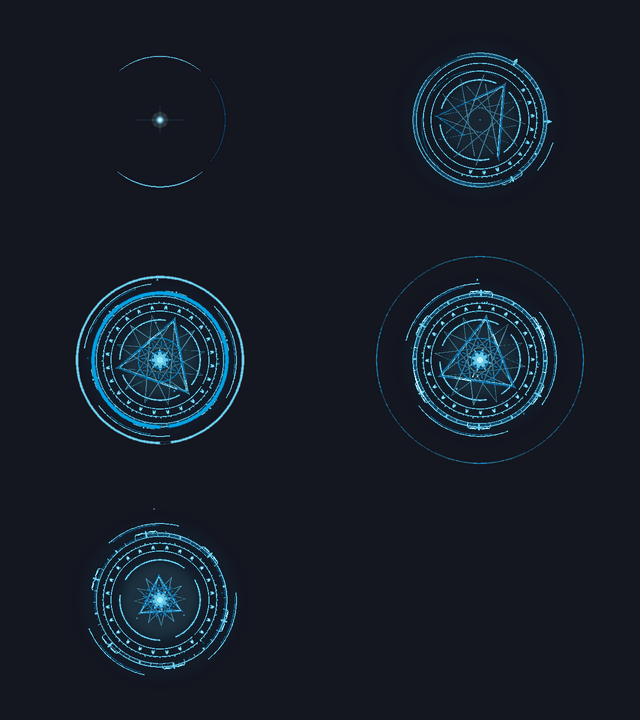
25Ấn Phép Không GianVùng
Xem
26Chấn Ba Thiên TrụVùng
Xem
27Thiên Phạt Cột SángVùng
Xem
28Hố Đen Vũ TrụVùng
Xem
29Lõi Hấp Thụ Năng LượngVùng
Xem
30Quỷ Giác Tinh ThểĐường
Xem
31Tử Tinh ThểĐường
Xem
32Đứt Gãy Địa TầngĐường
Xem
33Dậm Đất Chấn ĐộngVùng
Xem
34Tim YêuVùng
Xem
35Lấp LánhVùng
Xem
36Vui VẻVùng
Xem
37Mắt Tim / Mê MẩnVùng
Xem
38Cười LănVùng
Xem
39Buồn / KhócVùng
Xem
40Khóc ThácVùng
Xem
41Thất Vọng / ChánVùng
Xem
42Sợ / RunVùng
Xem
43Giật Mình !Vùng
Xem
44Tức GiậnVùng
Xem
45Khói Thở GiậnVùng
Xem
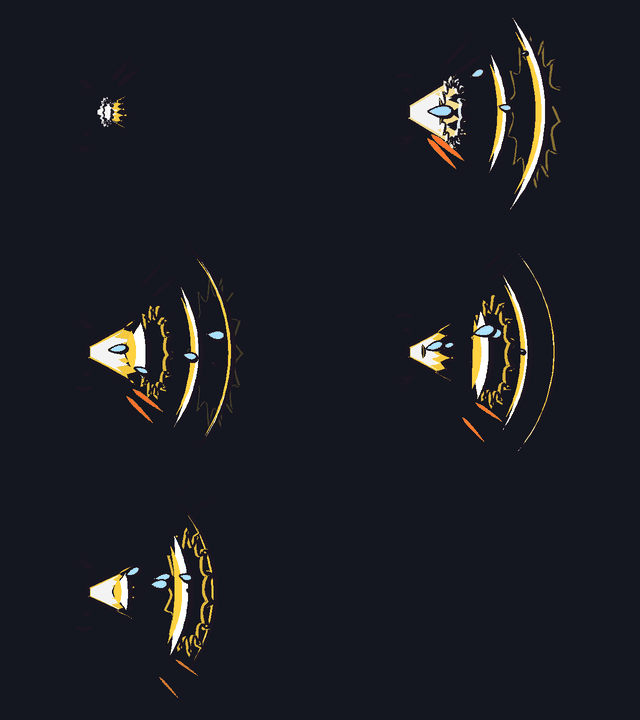
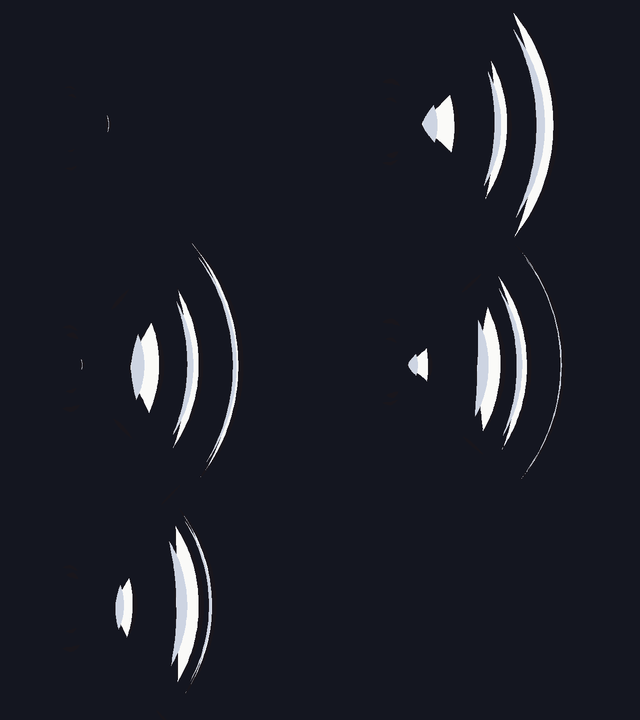
46La Hét Sóng ÂmVùng
Xem
47Ngáy Ngủ ZZZVùng
Xem
48Chóng MặtVùng
Xem
49Ý Tưởng - Bóng ĐènVùng
Xem
50Nóng Bức / MệtVùng
Xem
51Bối Rối / NgượngVùng
Xem
52Hắt XìVùng
Xem
53Âm ThanhVùng
Xem
54Pháo Giấy VuiVùng
Xem
55Nốt Nhạc BayVùng
Xem
56Huýt SáoVùng
Xem
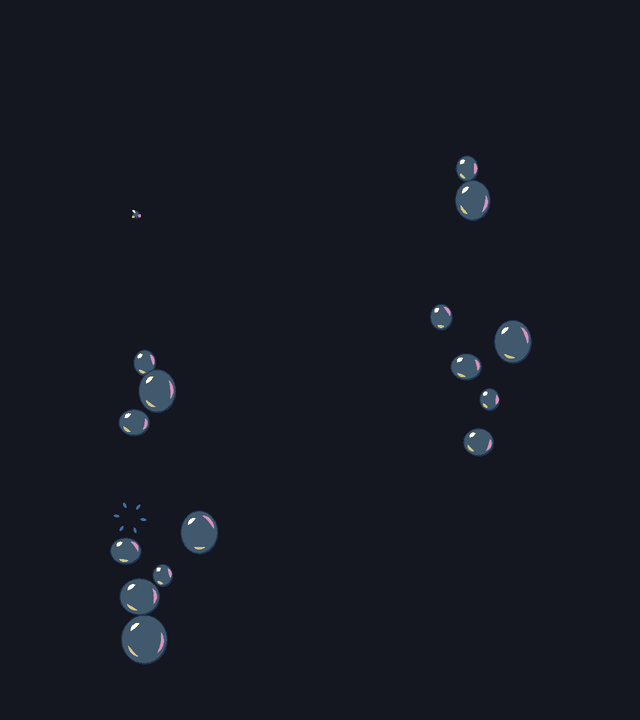
57Bong Bóng Xà PhòngVùng
Xem
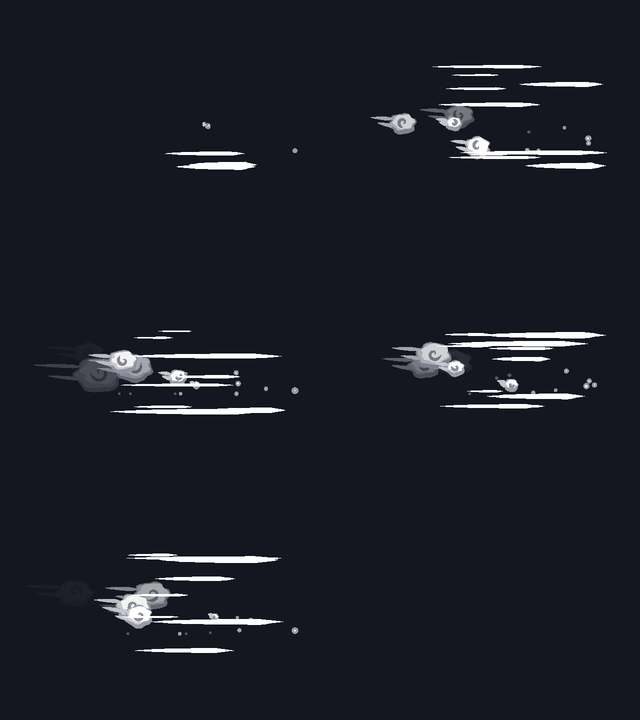
58Chạy NhanhVùng
Xem
59Vẫy TayVùng
Xem
60Xoay Tròn / Xoay Biến HìnhVùng
Xem
61Gió ThổiĐường
Xem
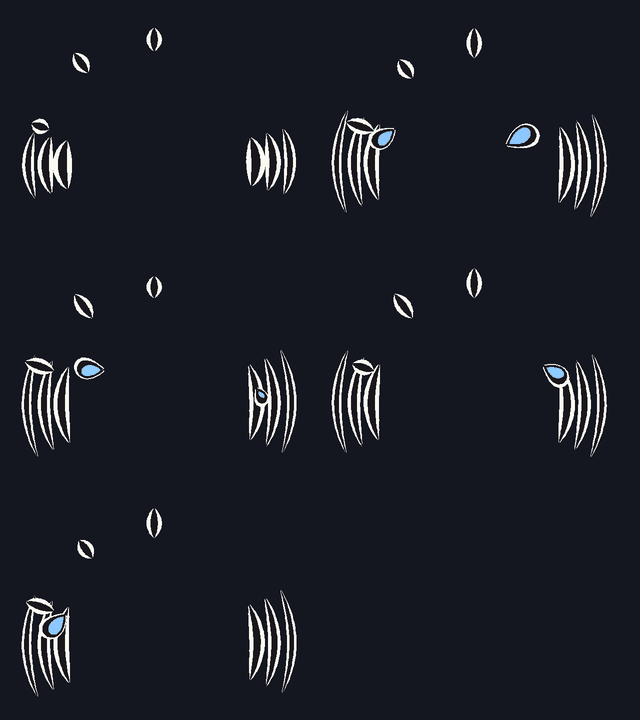
62Toé NướcVùng
Xem
63Vòi Tưới / Chữa CháyĐường
Xem
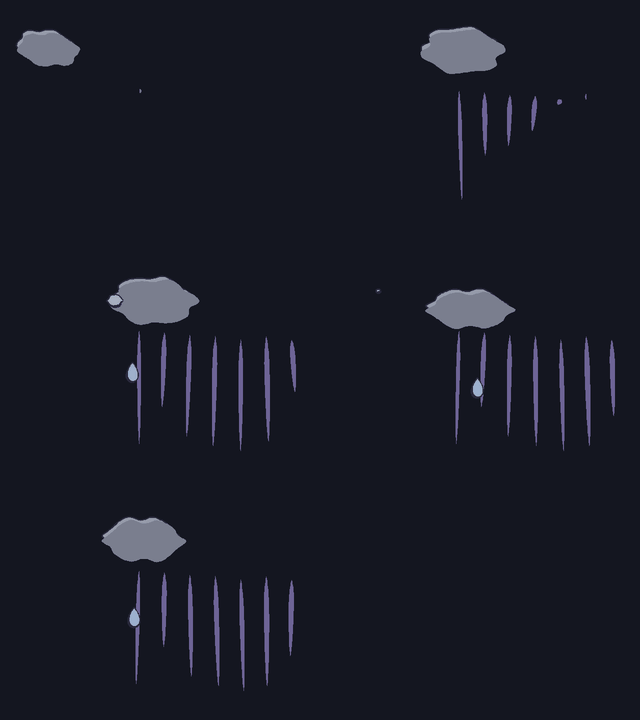
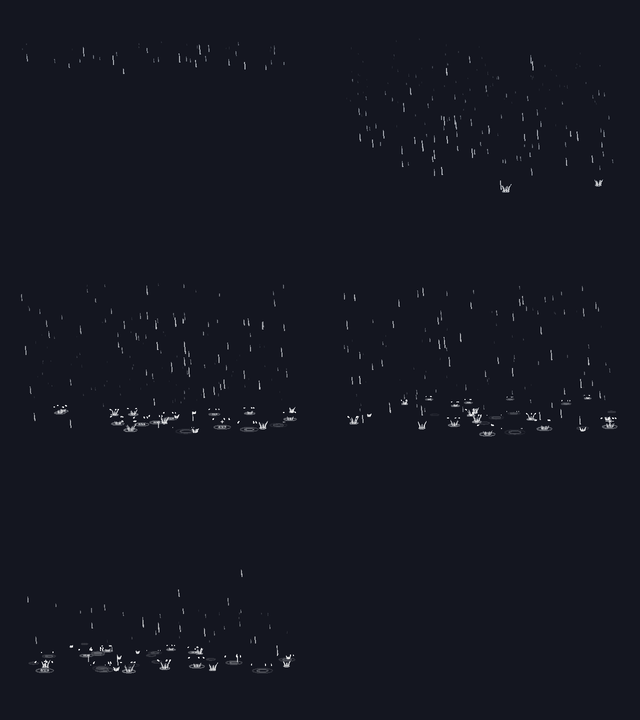
64MưaVùng
Xem
65Lắc NướcVùng
Không tìm thấy chiêu nào khớp.
Video Hướng Dẫn & Thực Tế
Khám phá trọn bộ quy trình thao tác và 2 kiểu thi triển độc quyền: Drag A➔B (Đường) và Zone Circle (Khoanh vùng tròn).
Magic VFX Pro: Video Hướng Dẫn Cách Sử Dụng
Video hướng dẫn chi tiết từ cách mở thư viện, chọn hiệu ứng, điều chỉnh thông số và áp dụng vào cảnh phim.
Quy trình cài đặt & sử dụng trọn bộ công cụ trong Moho
▶ Xem
KIỂU LINE
2. Demo Kéo 2 Điểm A ➔ B
Kéo 2 điểm tạo hướng phóng & uốn cong tia hiệu ứng
▶ Xem
KIỂU ZONE
3. Demo Khoanh Tròn Zone
Chấm tâm & khoanh tròn bán kính phủ hiệu ứng diện rộng
Thanh Công Cụ Trực Quan
Lôi Thần Giáng
5
36
6
100
100
100
100
0
Bảng Chiêu VFX Gallery
Mở nhanh bảng thư viện 65 hiệu ứng kỹ xảo trực quan để duyệt và đổi chiêu ngay trong Moho.
Bộ Màu Palette (23 Preset)
Mở bảng 23 bộ màu phối sẵn, đổi tông toàn bộ chiêu chỉ bằng 1 cú click chuột.
In Frame Vào
Thời gian hiệu ứng “vào” — số frame bắt đầu xuất hiện và phát triển.
Frames Tổng Frame
Tổng số frame diễn hoạt của hiệu ứng từ lúc bắt đầu cho đến khi kết thúc hẳn.
Out Frame Ra
Thời gian hiệu ứng tiêu biến — số frame cuối để hiệu ứng fade-out hoặc tan biến.
Size Kích Cỡ (%)
Phóng to / thu nhỏ toàn bộ tỉ lệ hiệu ứng theo % (mặc định 100%).
Speed Tốc Độ (%)
Tăng / giảm tốc độ chuyển động nhanh hay chậm, giữ nguyên tổng số frame.
Density Mật Độ (%)
Số lượng chi tiết phát ra — hạt tia lửa, đốm sáng, tia sét, mảnh vụn va chạm.
Stroke Độ Dày Nét (%)
Độ dày hoặc thanh mảnh của đường viền nét vẽ vector toàn hiệu ứng.
Curve Độ Cong (%)
Độ uốn lượn cong của đường vẽ (cho chiêu dạng Line Kéo từ A đến B).
Rung Cam Camera Shake
Tự động tạo keyframe rung chấn camera Moho tại thời điểm hiệu ứng va chạm nổ. ⚠ Lưu ý: Chỉ áp dụng cho một số VFX có hiệu ứng va đập mạnh.
Biến Thể Random Seed
Xáo trộn hạt và hướng bung ngẫu nhiên, giúp mỗi lần đặt chiêu đều độc bản khác nhau.
Cắt Out Out Timeline
Kết thúc hiệu ứng ngay tại frame timeline đang đứng (chọn group [VFX] trước).
Cài Đặt Settings & Reset
Mở cài đặt nâng cao hoặc bấm Reset Tool để hoàn tác toàn bộ thông số về mặc định.
🌐
Cài Đặt Ngôn Ngữ Giao Diện
12 Languages
Công cụ hỗ trợ cài đặt và chuyển đổi trực tiếp 12 ngôn ngữ hiển thị ngay trên giao diện cài đặt của Moho, phục vụ tối ưu cho người dùng trên toàn thế giới:
VNVietnamese
ENEnglish
RUРусский
CN中文
KR한국어
JP日本語
ESEspañol
FRFrançais
DEDeutsch
HIहिन्दी
ARالعربية
PTPortuguês
Cách Cài Đặt
Tương thích hoàn hảo với Moho Pro 12.5, 13.5, 14 và 14.1+ (hỗ trợ cả Windows & macOS).
1
Tìm thư mục Custom Content trong Moho
Mở Moho, vào menu Edit > Preferences... hoặc File > Preferences... (trên macOS: Moho > Preferences...) và tìm đến đường dẫn thư mục Custom Content Folder.
2
Chép thư mục Scripts vào thư mục Custom Content
Sao chép (copy) thư mục Scripts từ bộ cài này dán vào thư mục Custom Content Folder (chọn gộp vào thư mục Scripts có sẵn; bấm Replace / Overwrite / Ghi đè nếu máy hỏi):
• Scripts/tool/Magic_VFX_Pro.lua
• Scripts/tool/Magic_VFX_Pro.png
• Scripts/ScriptResources/Magic_VFX_Pro/ (icon, thư viện chiêu gallery, bộ màu palette)
3
Khởi động lại Moho (hoặc Nạp lại Script)
Khởi động lại phần mềm Moho (hoặc bấm tổ hợp phím tắt Ctrl + Shift + Alt + L / trên macOS: Cmd + Shift + Opt + L để nạp lại script ngay lập tức).
4
Sử dụng công cụ Magic VFX Pro
Công cụ Magic VFX Pro sẽ xuất hiện trong bảng công cụ Tools (thuộc nhóm Other). Bấm vào icon để bắt đầu thi triển kỹ xảo!